For SIL providers

The platform behind the people running SIL houses.

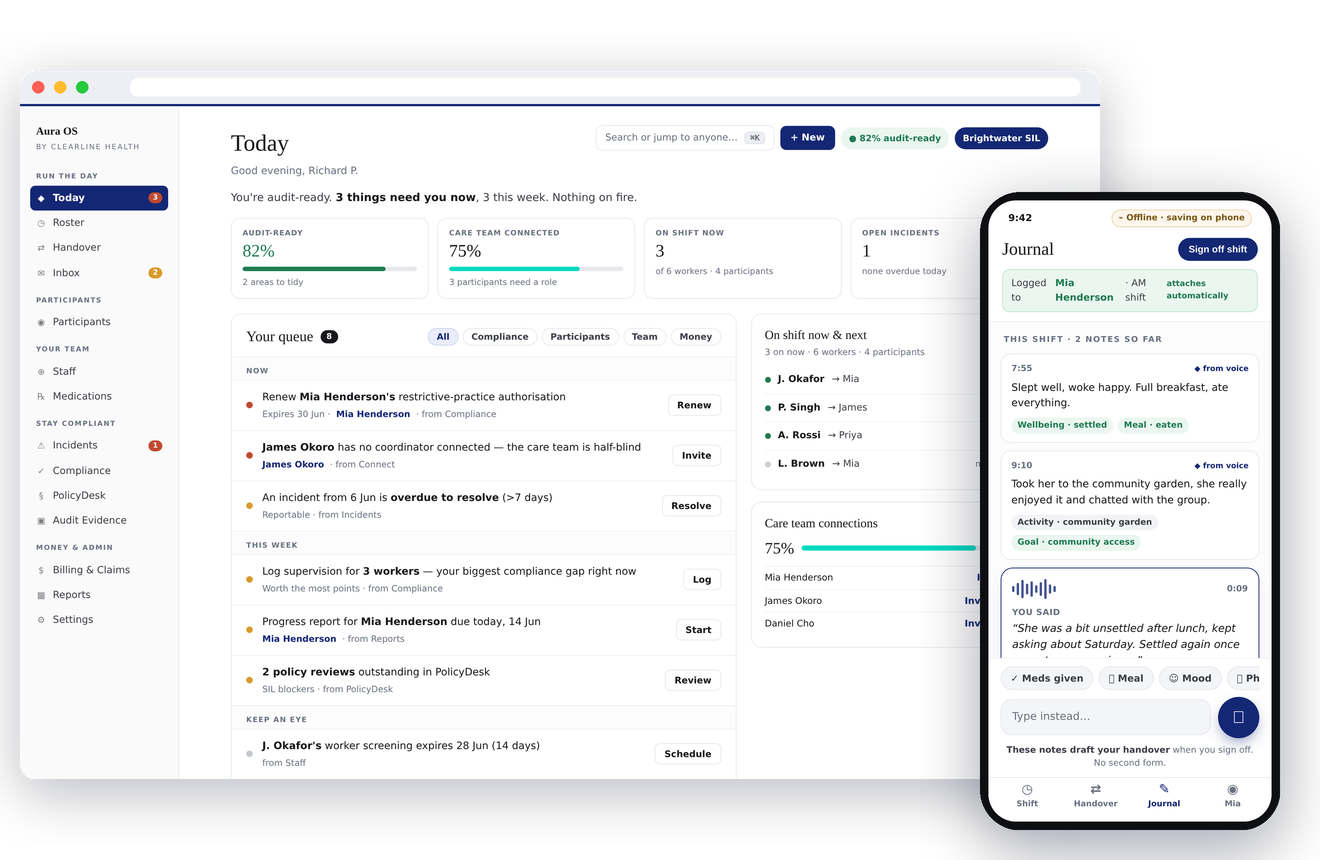
Aura OS is NDIS compliance software for SIL providers preparing for the 1 July 2026 registration deadline. Built alongside SIL operators — not by consultants. No dark patterns.

01 · Compliance score

Not just a score. A map of what to fix first.

Your Aura OS compliance score isn't a vanity number. Click any of the six pillars and it expands inline to show exactly what's dragging it down — the three workers with expired first aid, the policy reviewed 145 days ago, the incident without an investigation step three filed. No guessing. No audit-prep weekend.

Aura OS dashboard with the six compliance pillars expanded to show the specific items dragging each pillar's score
02 · Audit Evidence engine

Sixty seconds to the PDF. Two clicks to the auditor's inbox.

Generate your audit evidence pack. Email it to your auditor from inside Aura OS — reply-to is set to your provider email, attachment is the branded PDF, the presigned R2 link expires in five minutes but the PDF itself remains a standalone evidence document. The auditor opens the email, opens the PDF, and you've already moved on.

Read the sixty-second audit walk-through →

03 · Webster pack OCR

Photograph a Webster pack. Six seconds later every medication is in the MAR.

Point your phone at a Webster pack. Aura OS extracts every medication — drug name, strength, route, schedule times, PRN flag, S4/S8 controlled marker — and renders them as pre-filled review rows. You confirm each row before anything saves.

Every row shows a confidence level (high / medium / low) and the raw label text the AI saw. A support worker cross-checking against the photo can spot a bad read immediately. The photo itself lives in the audit trail attached to each saved medication.

That's the rule every AI feature in Aura OS has to pass. The AI drafts. A human decides. The photo is the evidence the human used.

AI for admin. Humans for care.

The Aura OS Handover screen on a phone showing four cards — open incidents, medications due, handover acknowledged, behaviour support triggers
04 · Handover

The one screen your house manager opens at shift start.

Open the Handover. Four cards. Open incidents. Medications due in the next two hours. Handover waiting to be acknowledged. Behaviour support plan triggers for today. Each card flips from green to red when action is needed. Takes twenty seconds to read. Replaces a clipboard, a whiteboard and a text message chain with the outgoing worker.

05 · Clearline Connect

Connect with the OTs and families already in the loop.

Every shift, every report, every family update lives behind the same Connect ID. When an OT signs an FCA in Scrive, it lands in your messages feed as a card. When a family confirms an appointment in Compass, the calendar updates in seconds. No email attachments. No version drift. See how Connect works.

Pass your audit without losing your weekend.

Sign up free. Every Pro feature unlocks for seven days. No card. No reminder emails. Cancel by closing the tab.

Start free — 7-day Pro trial →